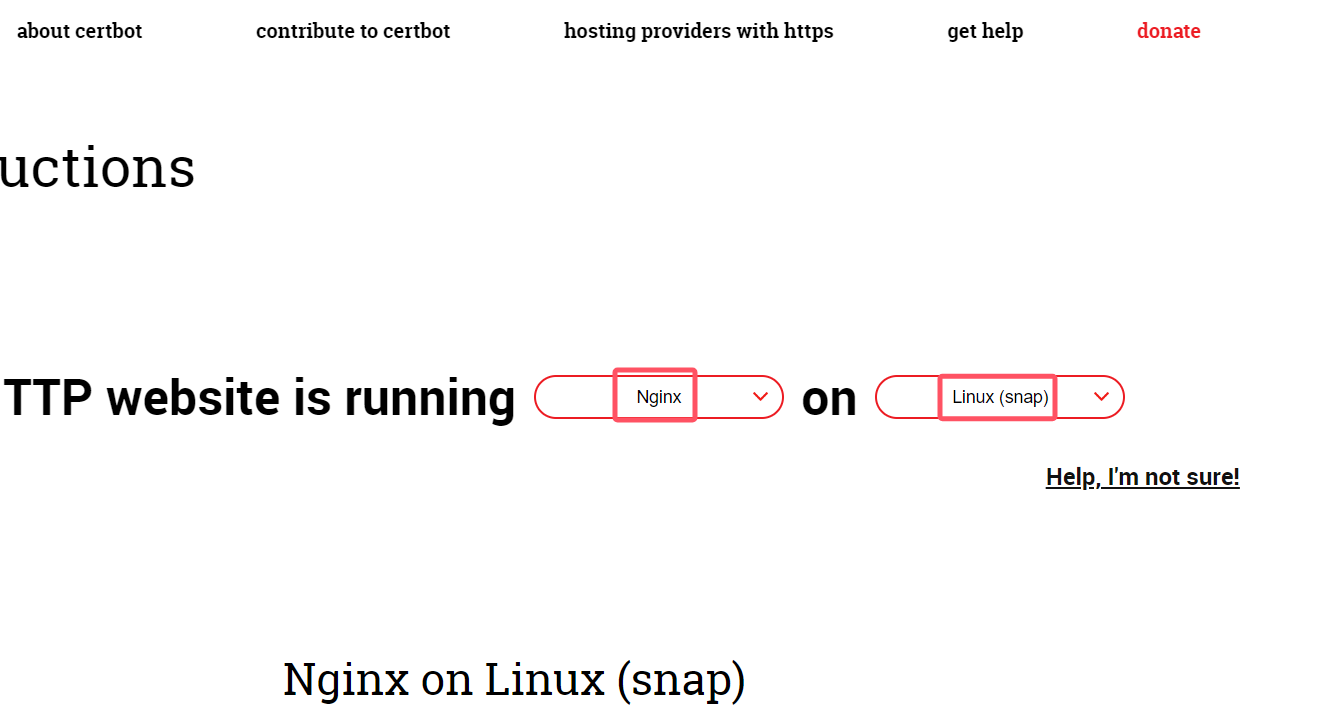
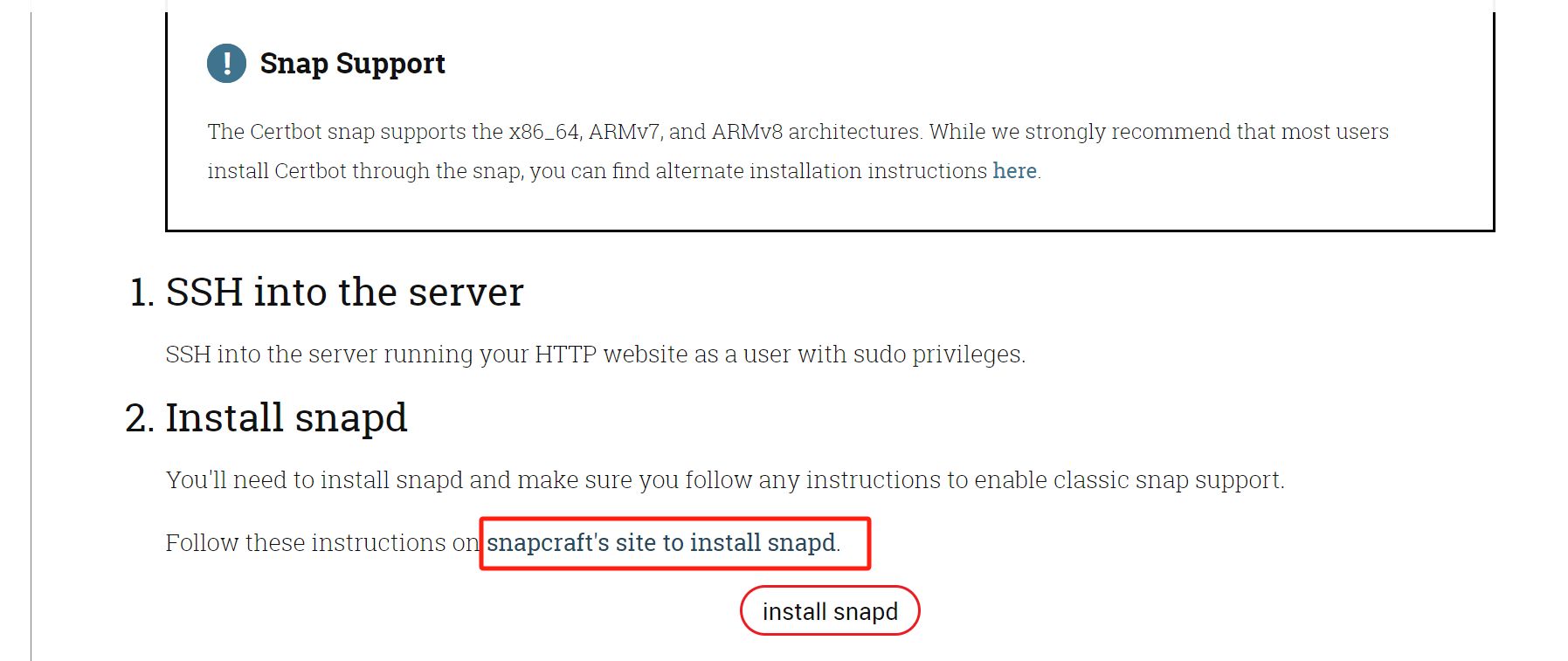
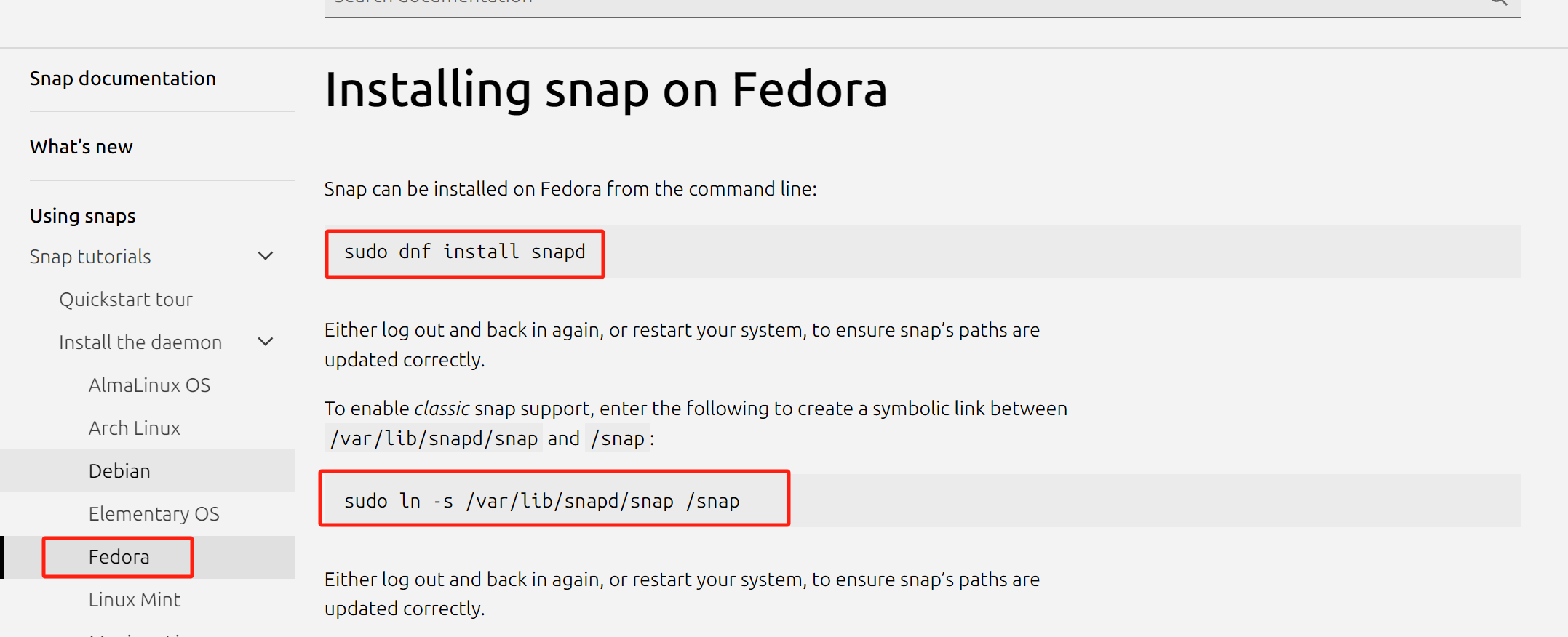
[root@localhost ~]# yum install -y epel-release [root@localhost ~]# yum makecache fast [root@localhost ~]# yum install -y snapd nginx [root@localhost ~]# systemctl enable --now snapd [root@localhost ~]# ln -s /var/lib/snapd/snap /snap [root@localhost ~]# snap --help The snap command lets you install, configure, refresh and remove snaps. Snaps are packages that work across many different Linux distributions, enabling secure delivery and operation of the latest apps and utilities.
Usage: snap <command> [<options>...]
Commonly used commands can be classified as follows:
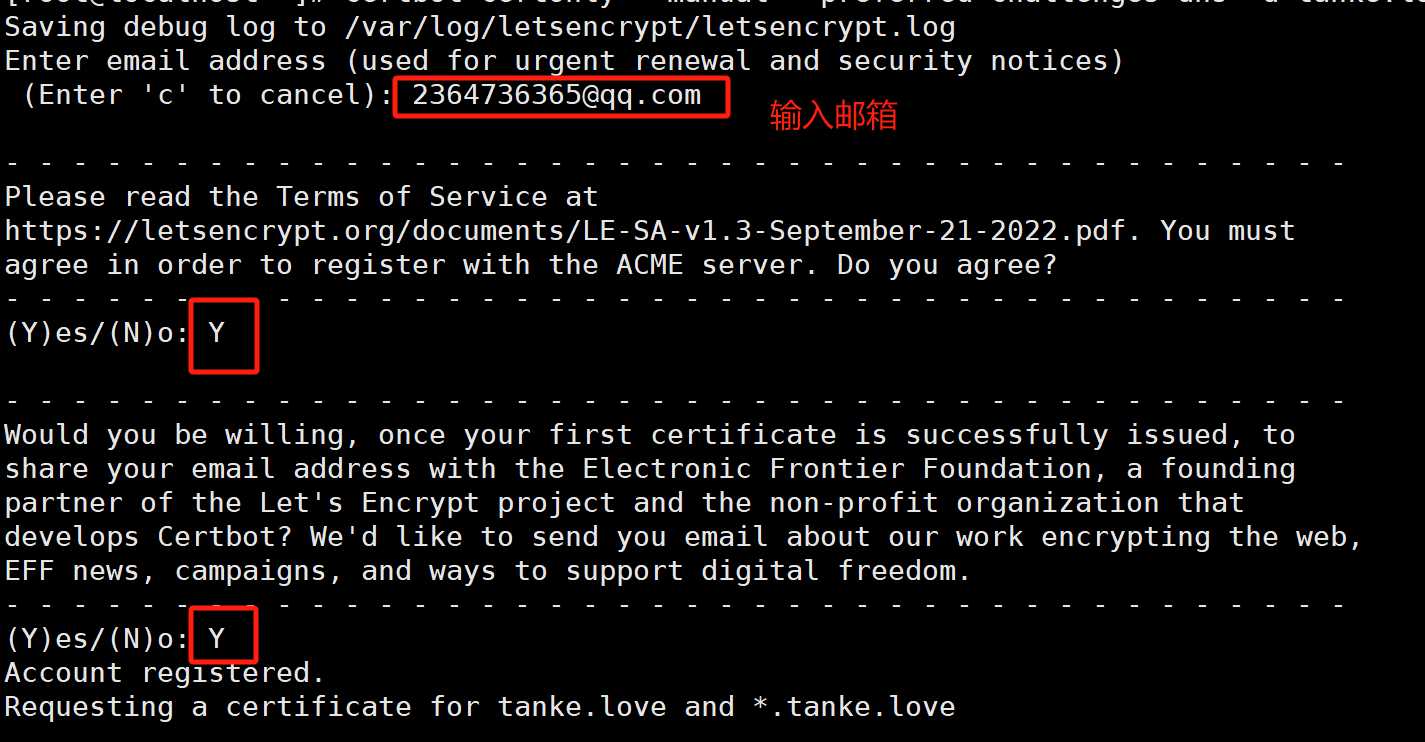
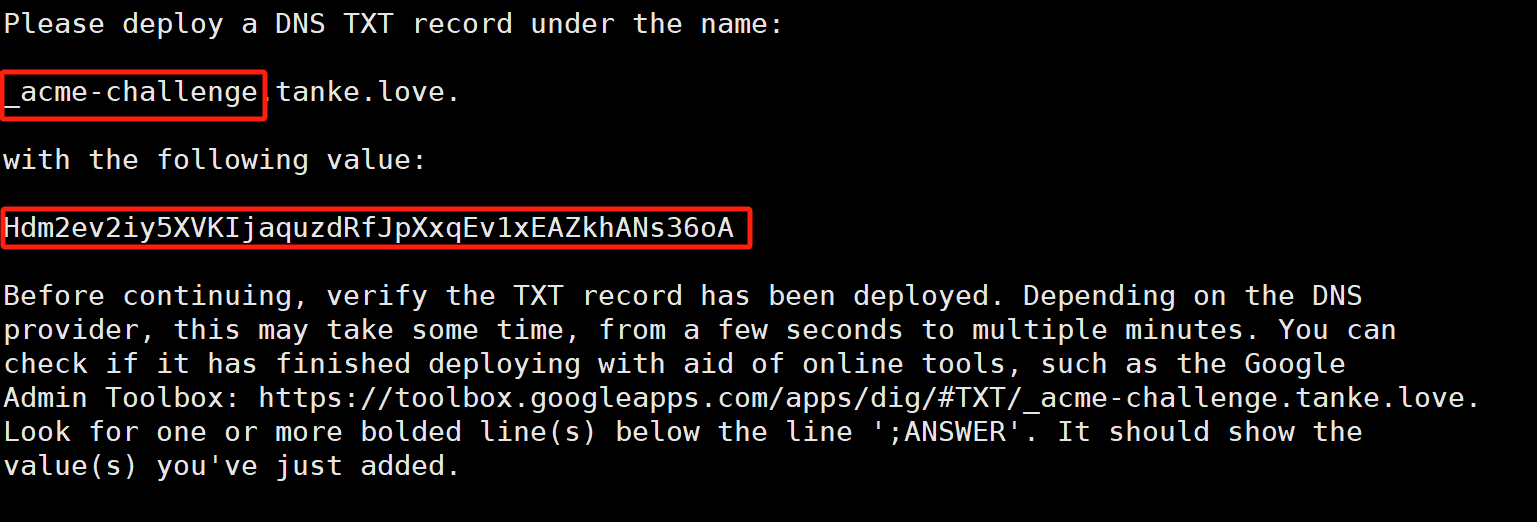
# 安装Certbot软件包,并使用了--classic标志(经典模式) [root@localhost ~]# snap install --classic certbot Warning: /var/lib/snapd/snap/bin was not found in your $PATH. If you've not restarted your session since you installed snapd, try doing that. Please see https://forum.snapcraft.io/t/9469 for more details. certbot 2.9.0 from Certbot Project (certbot-eff✓) installed [root@localhost ~]# ln -s /snap/bin/certbot /usr/bin/certbot [root@localhost ~]# certbot certonly --manual --preferred-challenges dns -d *.tanke.love # certbot certonly --manual --preferred-challenges dns -d *.tanke.love 这条命令用于使用Certbot工具获取SSL/TLS证书。 # 具体解释如下: certbot: 是Certbot的命令行工具,用于管理SSL/TLS证书。 certonly: 表示只获取证书而不配置自动更新和续订。 --manual: 指定手动验证模式,即通过手动创建验证文件来证明域名所有权。 --preferred-challenges dns: 指定首选的验证方式为DNS(DNS challenge),即通过在DNS记录中添加特定的TXT记录来证明域名所有权。 -d *.tanke.love: 指定要获取证书的域名,这里包括tanke.love和以*.tanke.love开头的所有子域名。 综上所述,该命令的作用是使用Certbot工具,通过手动验证模式和DNS挑战方式,为tanke.love和以*.tanke.love开头的所有子域名获取SSL/TLS证书。
之后一直按两次回车
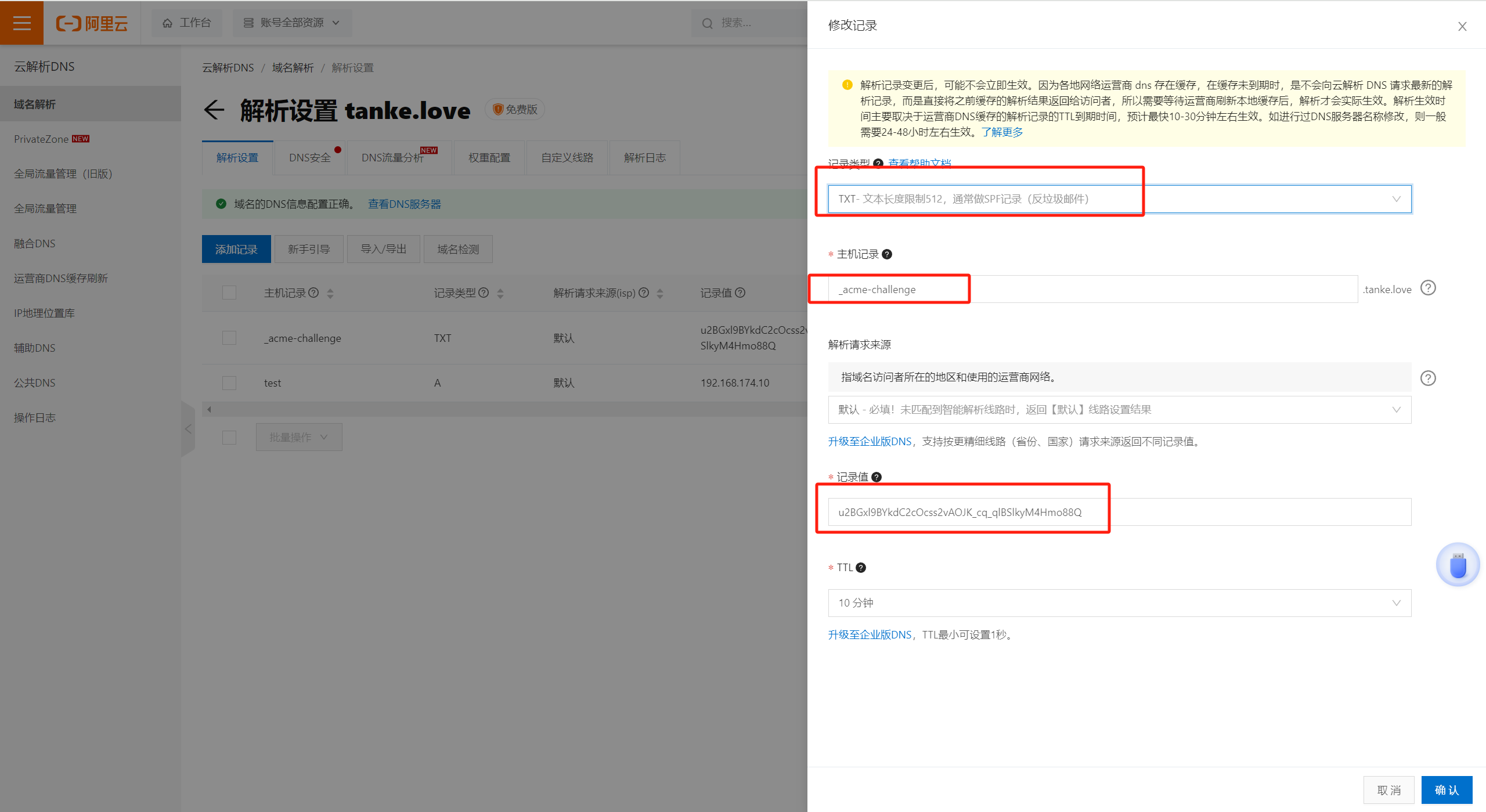
登录购买域名的云厂商
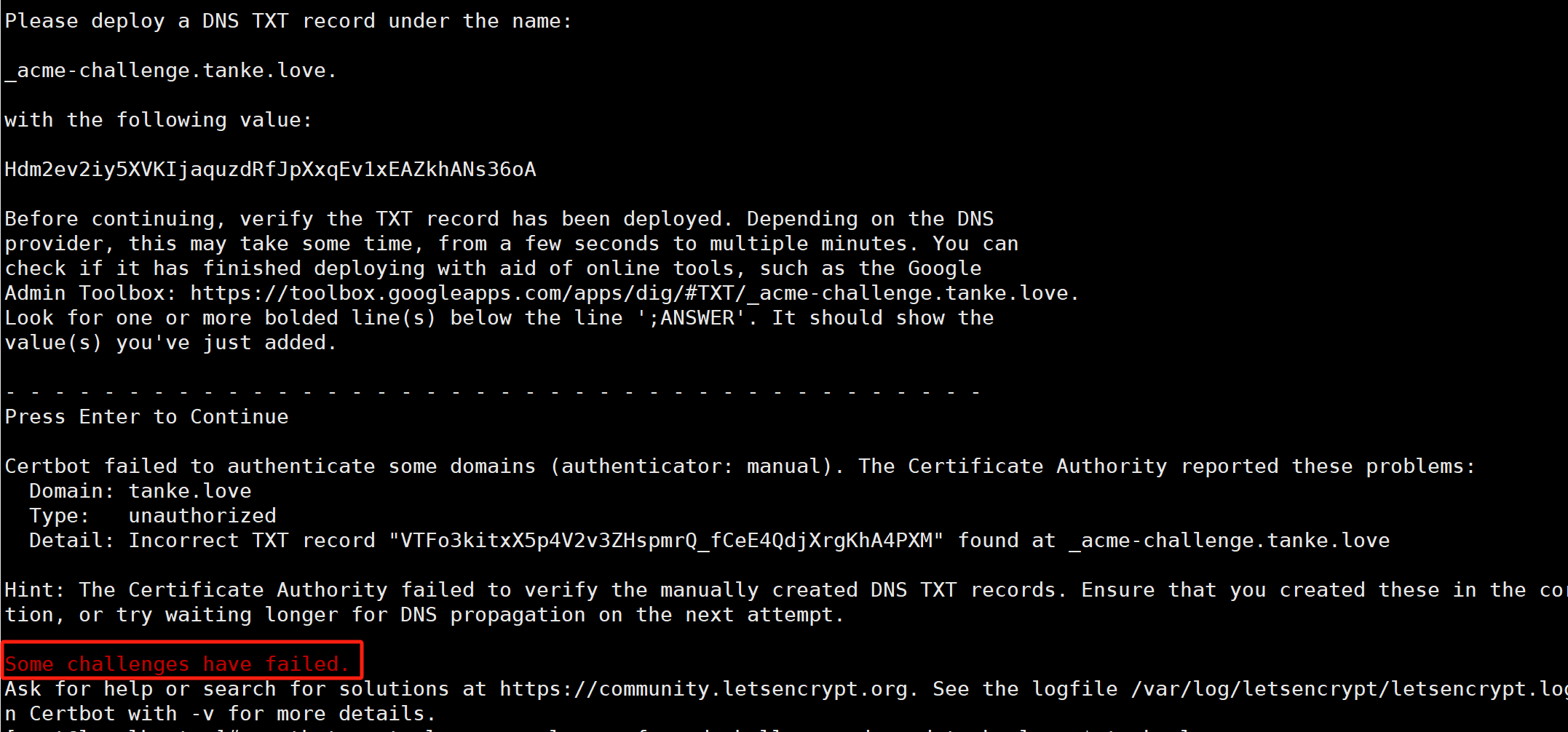
如果出现上述报错则重新生成证书:
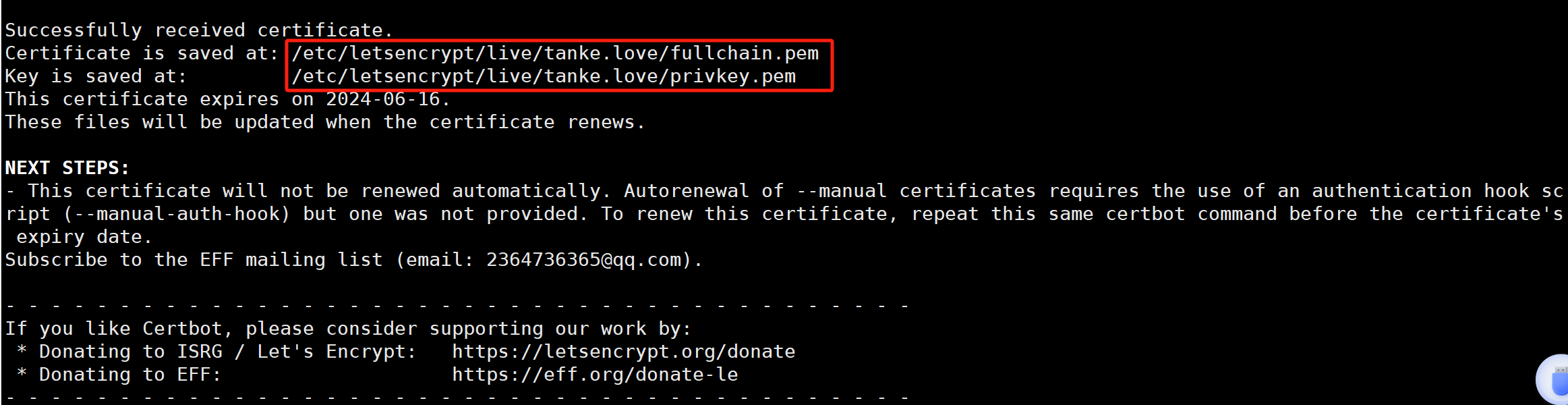
certbot certonly --manual --preferred-challenges dns -d tanke.love,*.tanke.love -v
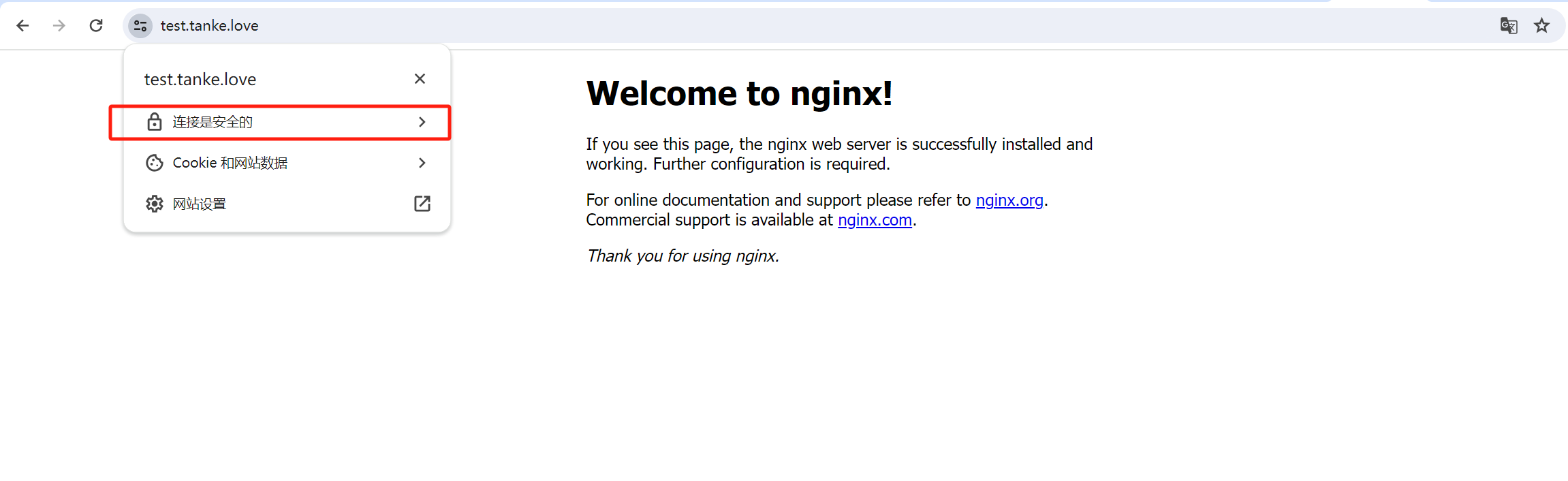
# 检查语法 [root@localhost ~]# nginx -t nginx: the configuration file /etc/nginx/nginx.conf syntax is ok nginx: configuration file /etc/nginx/nginx.conf test is successful